How to Use
Charging the Yocan Black Pocket Concentrate Vaporizer
- Make sure to use the USB type-C charging cable included in the packaging of the Yocan Black Pocket Concentrate Vaporizer.
- Connect the USB charging cable to a wall adapter and plug the wall adapter to a wall outlet.
- Take the other end of the charging cable and connect it to the Yocan Black Pocket Concentrate Vaporizer.
Note: You can connect the charging cable to your computer or any compatible USB port to charge the Yocan Black Pocket Concentrate Vaporizer. The changing port is located at the bottom of the vaporizer. When charging, it is recommended that you clean the heating element as the wax or oil might leak when the device is lying down.
Turning the Yocan Black Pocket Concentrate Vaporizer On
- Make sure to fully charge the Yocan Black Pocket Concentrate Vaporizer for best results.
- Press the power button of the Yocan Black Pocket Concentrate Vaporizer five times quickly to power it on.
- Press the same power button for another five times to turn the Yocan Black Pocket Concentrate Vaporizer off.
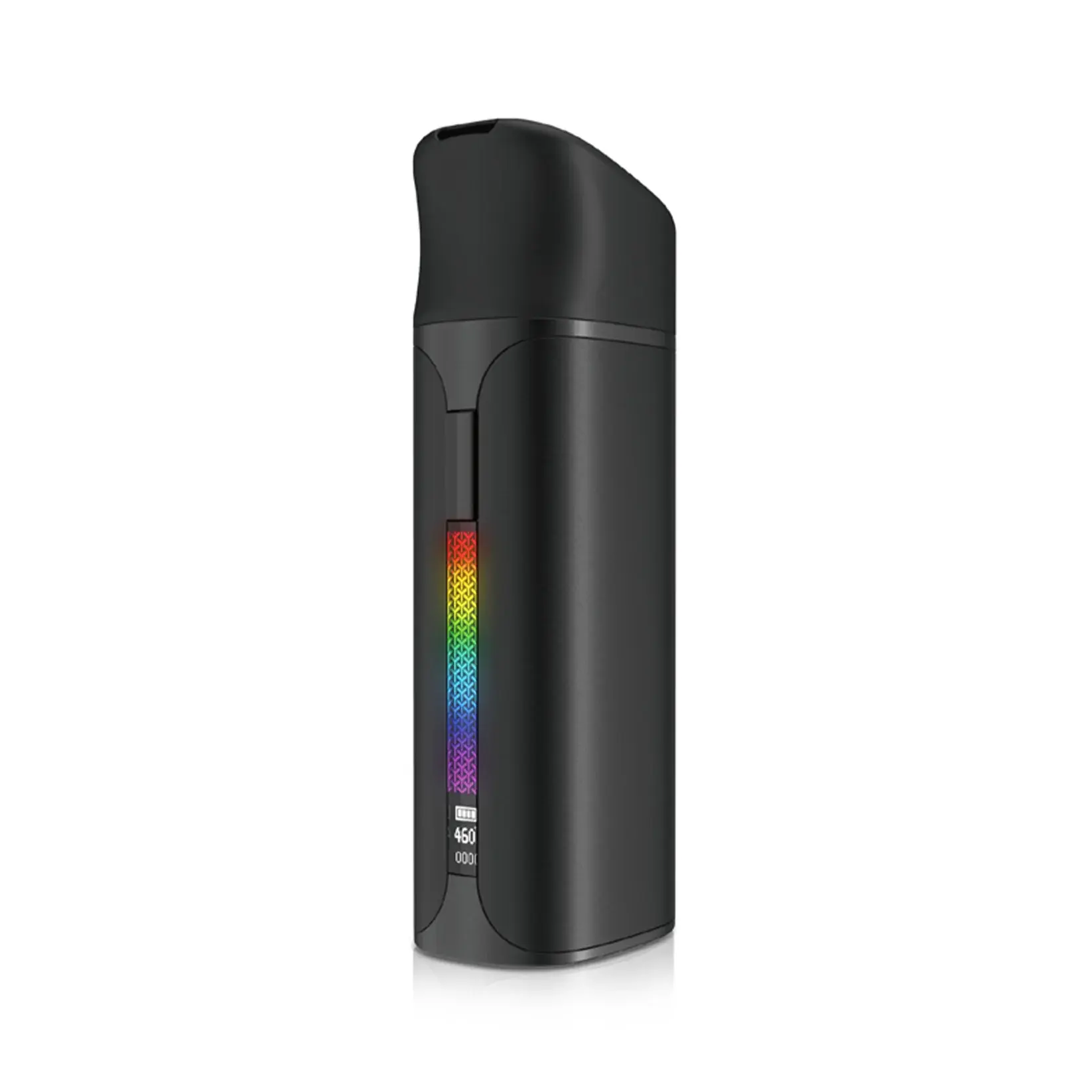
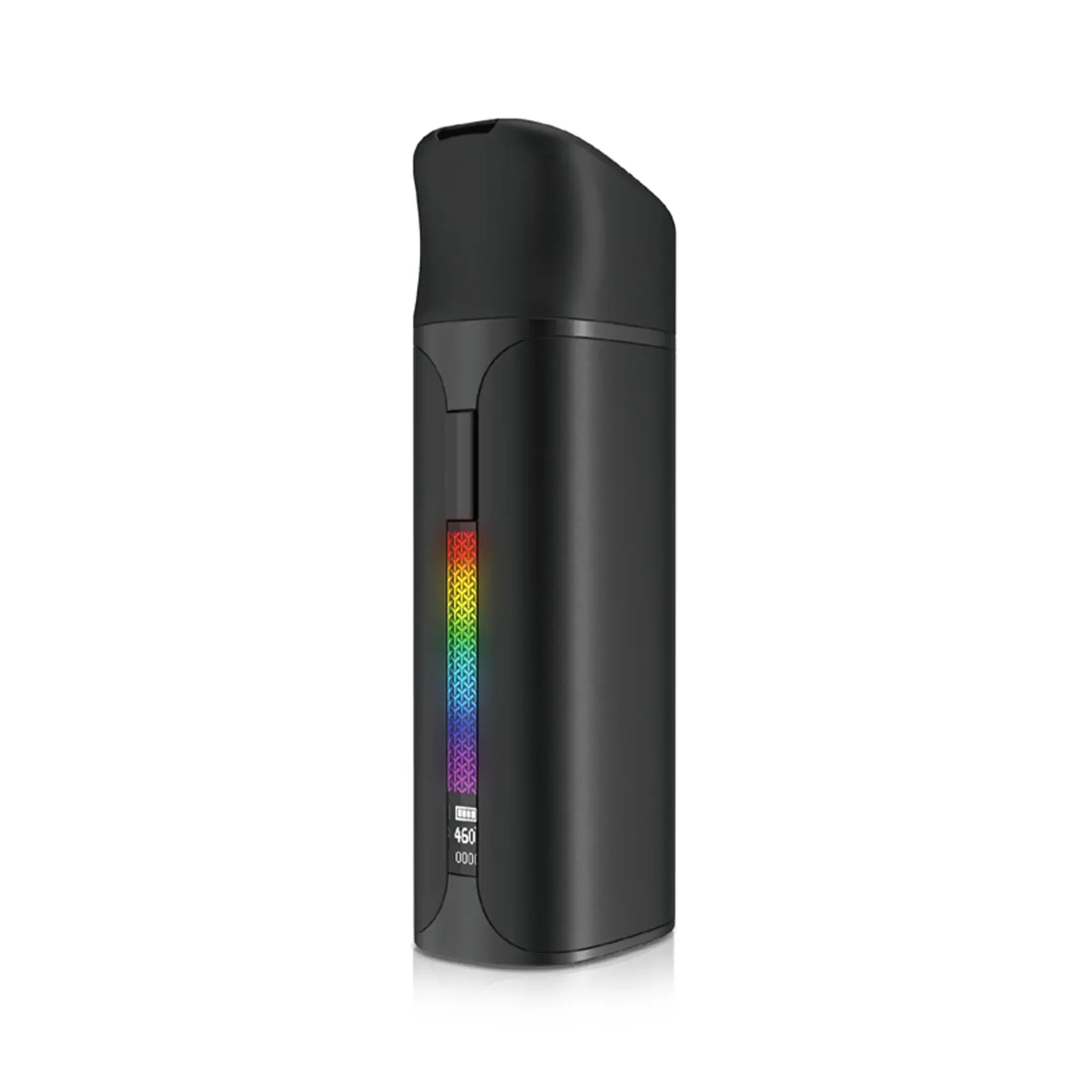
Note: The power button is located at the front part of the Yocan Black Pocket Concentrate Vaporizer. It is the long rectangular button which is located just above the light up screen.
Loading the Yocan Black Pocket Concentrate Vaporizer
- Make sure that the Yocan Black Pocket Concentrate Vaporizer is powered on.
- Lift the tethered cap to expose the heating element.
- Use a dab tool to scoop your concentrates and place them inside the chamber.
- Check and secure the included glass pearl stirrer.
- Reseal the tethered cap.
Selecting the Temperature Level for the Yocan Black Pocket Concentrate Vaporizer
- Make sure that the Yocan Black Pocket Concentrate Vaporizer is powered on.
- Select your preferred temperature level by pressing the power button thrice to enter temperature adjust mode.
- Once in temperature adjust mode, pressing the button once will change the temperature level by one degree.
- After you have selected your preferred temperature level, simply release the button.
Note: The Yocan Black Pocket Concentrate Vaporizer has precise temperature settings that range from 400 degrees F to 580 degrees F.
Maintenance and cleaning of the Yocan Black Pocket Concentrate Vaporizer
- Make sure to remove the cartridge of the Yocan Black Pocket Concentrate Vaporizer.
- Turn off the Yocan Black Pocket Concentrate Vaporizer by pressing the power button five times rapidly.
- Take a cotton swab and wipe the cartridge contacts clean.
- Use a dry paper towel and wipe the body of the Yocan Black Pocket Concentrate Vaporizer clean.
- Follow the charging instruction and use the dedicated charging cable for the Yocan Black Pocket Concentrate Vaporizer to avoid battery damage.
- Make sure to charge the Yocan Black Pocket Concentrate Vaporizer before storing it too long.